


- Important information
-
#descriptionString#
#contentString#
- Thailand
- Bangkok
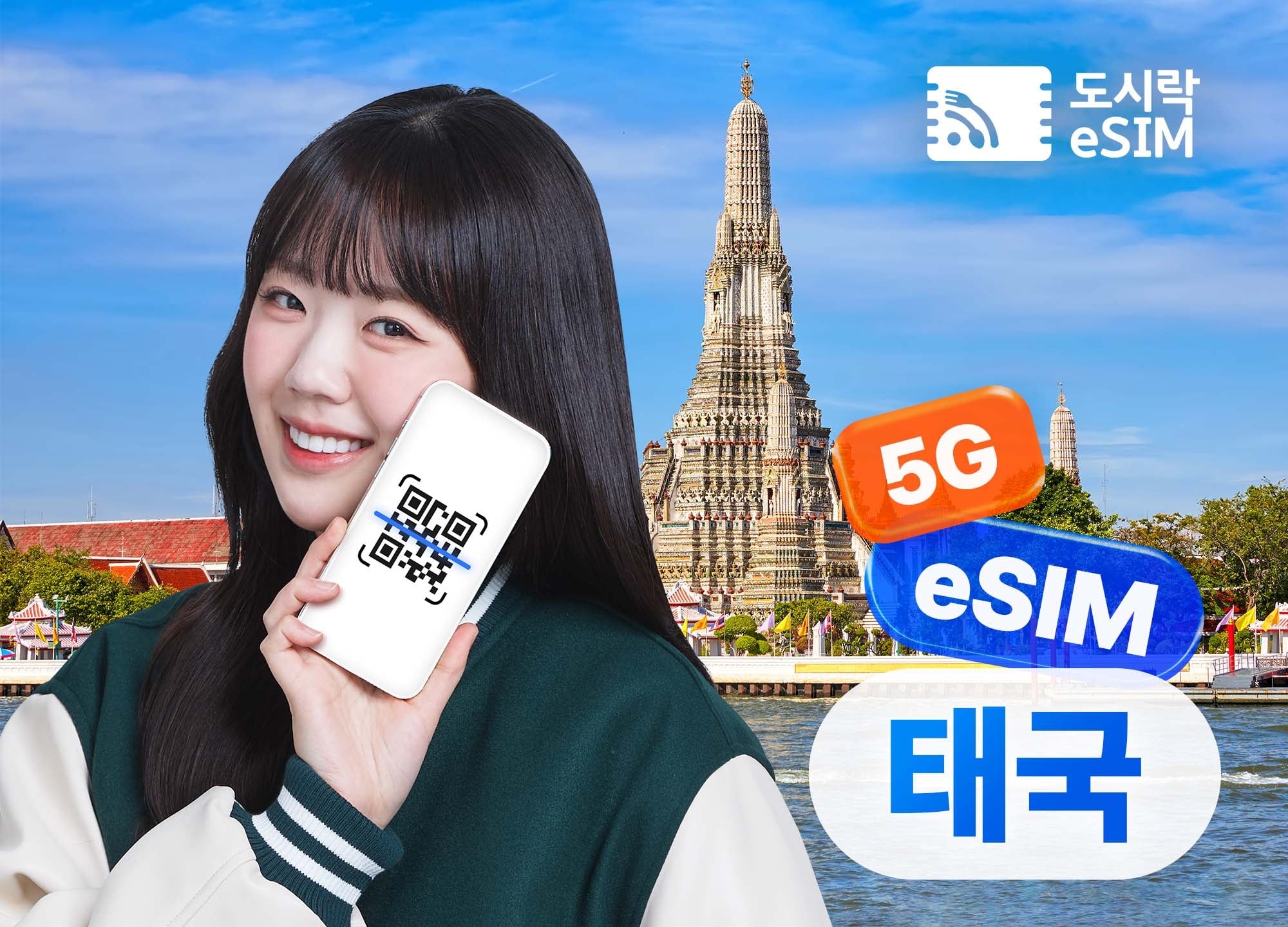
Thailand eSIM
4.9
15
Travel Without a Physical SIM Card
Don’t remove your SIM card—travel smarter with an eSIM!
#promotionName# #tourProgramName# · #ticketAgeString#
- #cancelPolicyString#
#promotionStartDate#~#promotionEndDate##normalAdultPrice#
#adultPrice##adultPriceWorldRef#
#promotionName# #tourProgramName# · #ticketAgeString#
- #cancelPolicyString#
#promotionStartDate#~#promotionEndDate##normalChildPrice#
#childPrice##childPriceWorldRef#
#promotionName# #tourProgramName# · #ticketAgeString#
- #cancelPolicyString#
#promotionStartDate#~#promotionEndDate##normalAdultPrice#
#adultPrice##adultPriceWorldRef#
#groupName#
- #cancelPolicyString#
- #promotionStartDate#~#promotionEndDate#
#tourProgramName#(#ticketAgeString#)#adultPrice##adultPriceWorldRef#
#tourProgramName#(#ticketAgeString#) · #ticketQtyString##adultPrice##adultPriceWorldRef#
Lead traveler details
Enter your surname exactly as it appears on your passport.
Enter your given name exactly as it appears on your passport.
Please enter the same Korean surname as written in your passport.
Enter your Korean name exactly as it appears on your passport.
If you enter an international number, please also enter the country code.
- Opening hours
-
[Dosirak eSIM Customer Support Hours] : * When calling from South Korea
📞1566-9070: 09:00–18:00 (Closed on weekends and public holidays; lunch break from 12:00–13:00)
* When calling from overseas
📞+82-2-775-1401: 09:00–18:00 (Closed on weekends and public holidays; lunch break from 12:00–13:00)
-
[Dosirak eSIM Customer Support Hours] : * When calling from South Korea
- Check-in Method
- Pickup (Collection) Information
- The QR code will be sent via KakaoTalk notification on the day your booking is confirmed or the following day.
- When placing your order, please double-check that you have entered the recipient’s mobile number correctly to receive the QR code.
- How to use
- ✅ Activation Process
-
STEP 1. ▶ Purchase ◀
Select your preferred data allowance and validity period.
After placing your order, the QR code will be sent by email or text message. (Orders placed daily between 09:00 and 18:00 are sent the same day.)
If you do not receive the QR code, contact customer support to request it again.
STEP 2. ▶ Set Up ◀
① Go to Settings > Cellular > Add Cellular Plan
- Scan the QR code while connected to a network.
- If scanning is not possible, you can set it up manually.
② Set the plan label and default lines.
- Existing SIM → Primary / eSIM → Secondary (Travel)
- Calls/Text Messages → Existing SIM / Cellular Data → eSIM
③ Turn off Cellular Data Switching.
- This helps prevent roaming charges on your existing SIM.
④ If mobile data does not work: Configure the APN manually.
- Path: Settings > Cellular > eSIM Plan > Cellular Data Network
- Refer to the product details page for the APN information. - 📱 Compatible Devices for Using an eSIM
-
Only compatible with devices equipped with an eSIM module
No refunds or compensation will be provided if the device is incompatible
Your device must be unlocked for use with other countries’ networks
Most iPhones purchased in Mainland China, Hong Kong, or Macao do not support eSIM
*Supported models may change according to the manufacturer’s policies.
📌 How to check if your phone supports eSIM
Enter *#06# on your phone’s dial screen. If an EID (Embedded ID) is displayed, your phone supports eSIM.
▪︎ Apple Supported Devices ▪︎
All models in the iPhone XS / XR / SE2 / 11 / 12 / 13 / 14 series
iPad mini (5th generation and later), iPad (7th generation and later)
iPad Air (3rd generation and later), all generations of the 11" iPad Pro, 12.9" iPad Pro (3rd generation and later)
▪︎ Samsung (Korean domestic models) ▪︎
Galaxy Z Flip 4 / Z Fold 4
Galaxy S23 / S23+ / S23 Ultra
※ Other Korean domestic models are not supported.
※ Some international models may support eSIM (e.g., Galaxy S20 series and later).
▪︎ Google ▪︎
Pixel 2 / 2XL / 3 / 3XL / 3A XL / 4 / 4XL
▪︎ Other eSIM-Supported Devices ▪︎
Motorola Razr (2019)
Nuu Mobile X5
Galaxy Fold series (international models)
Galaxy Z Flip series (international models)
Galaxy S20 / S20+ / S20 Ultra 5G and later models (international models)
Compatible with models released after those listed above.
- Additional Information & Notes
- ⚠️ Important Information
- Only eSIM-compatible devices can be used. Please make sure to check your phone model.
- If your phone has a protection service enabled, disable the SIM lock and phone protection service through your carrier’s customer service center or website before use.
- Exchanges and refunds are not available once the QR code has been sent or scanned.
-
Please keep the registered cellular plan active until you have finished using the eSIM. Deleting it after scanning the QR code will prevent you from using the eSIM.
Deleted eSIMs cannot be rescanned or restored. - Please provide a mobile phone number where you can be reached for order and usage information. (e.g., 010-1234-5467)
- 🕒 Activation Time
- You can install it in advance while still in Korea. Usage days begin to be deducted once you connect to a local network.
- For eSIMs that include coverage in Korea or are specifically marked as starting usage-day deduction upon installation in Korea, please note that your usage days will begin immediately when installed in Korea (e.g., Global 143 Countries).
- 🌐 Important Information About Data Usage
-
Before departure, turn off data roaming through your domestic mobile carrier.
Incorrect settings may result in unnecessary roaming charges. - Data connections may be unstable in some areas depending on local network conditions. Depending on your device model, you may connect to 3G/2G if certain frequencies are not supported.
- 🔸 Usage Information
- No refunds will be issued if the service cannot be used due to local carrier network maintenance, natural disasters, or other reasons.
- Data allowance, validity period, promotions, and other details may change without prior notice due to circumstances affecting the carrier.
-
If you are unable to register your eSIM or use it after registration (※ the eSIM must remain installed), please contact Customer Support while in Thailand.
- KakaoTalk: @도시락통 (24/7, year-round) - Assistance is unavailable after you return home, and returns or refunds are not allowed.
- 🔸 How to Check Your Local Number and Remaining Data (15GB/50GB)
-
How to Check Your Local Number
- Dial *833# and press Call using your regular phone keypad -
How to Check Your Remaining Data
- Dial *900# and press Call - ※ Not applicable to products with daily data allowances.
Location & directions
Map
Scroll down to load the map.Recommended nearby products
#productName#
#reviewRatingAvg#
#reviewCount#
Average nightly rate
#priceString#
Similar products
Customer reviews
#ratingAvg#
- #rating.name#
What I liked about this product!
- #strengthT.itemName# #strengthT.value##strengthT.totalCount#
What could be improved
- #weaknessT.itemName# #weaknessT.value##weaknessT.totalCount#
Review photos
Customer reviews
#userId#
#rating#
#writeDateString#
#contents#
What I liked
- #strength.itemName#
What could be better
- #weakness.itemName#
No customer reviews yet.
"Ticket" Frequently asked questions
Can’t find what you’re looking for? Contact us.


#contents#